

 Refresh
Finish Main Icon for Windows App
Eine Firma in Thailand wollte ein icon design und hat 81 Elegant, Spielerisch icon designs von 9 Designers bekommen
Designs
Designer
Budget
 So funktioniert's






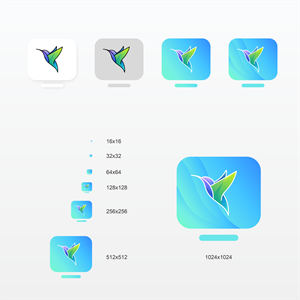



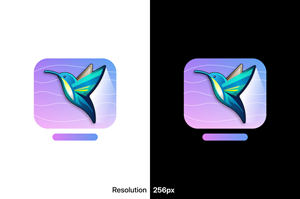
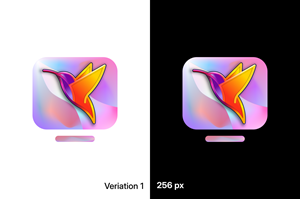


1 - 20 von 81 Icon-Designs Vorschläge
Hier ist was ein Geschäft in Thailand für sein icon design vorgenommen hatte.
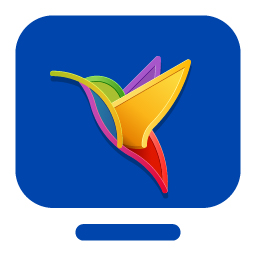
We have a vector monochrome template for the main icon of our new Windows application. We need it to be colorized and finalized in the standard Windows ICO format.
Step 1: Colorizing the Image
We want the icon to be eye-catching, professional, and appealing. To achieve this, please redraw it in color. You may add borders, shades, and shadows to enhance its visual appeal. The color scheme should be sophisticated, avoiding a simplistic approach such as filling the background with a single or gradient color.
Step 2: Converting to Raster ICO Format
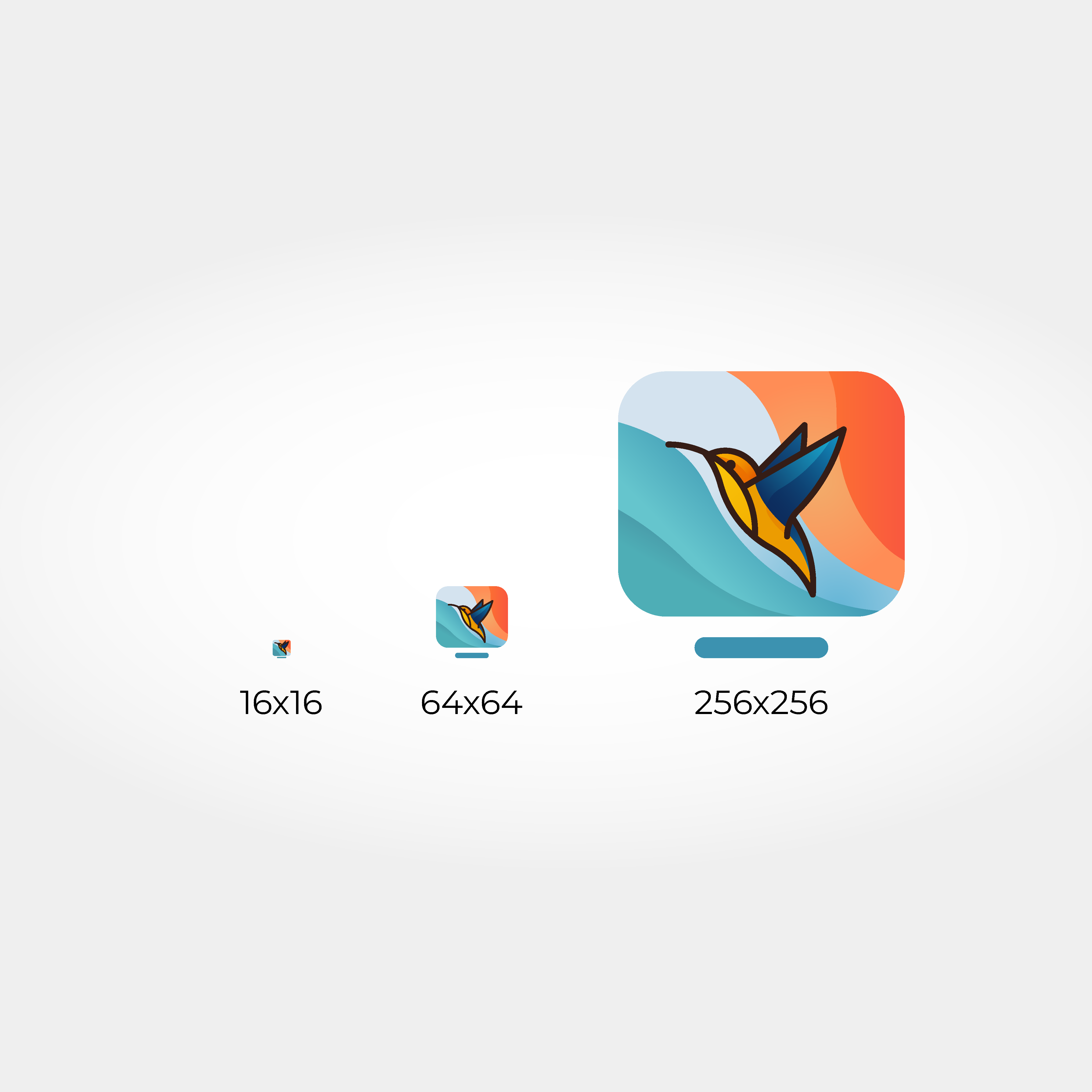
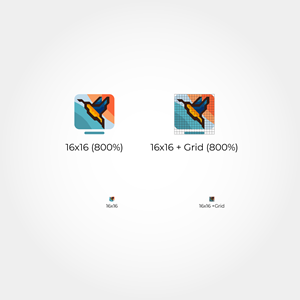
The final ICO file must include all standard sub-images (16x16, 24x24, 32x32, 64x64, 128x128, 256x256, and 512x512). The smaller sub-images should not be created through auto-resizing; instead, they need to be drawn separately. For these sizes, the images can be simplified.
You can find the original vector image attached. For the contest, please submit two versions: 256x256 and 16x16.
Mehr lesen